- In the profile list, click View in the Status Detection column. See Figure 1.
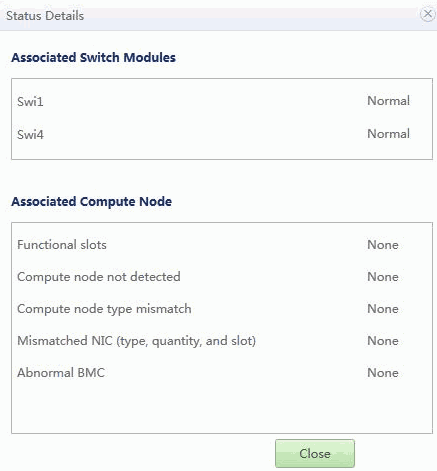
The Status Details page is displayed, as shown in Figure 2.
- The Associated Switch Modules area displays the status of switch modules.
Switch modules are abnormal if their types do not match, their software versions do not match, their version query times out their BMCs are abnormal, or the Ethernet switch module passwords are incorrect.
- The Associated Compute Nodes area displays the status of compute nodes.
Compute nodes are abnormal if their types do not match, their NIC types, quantity, or slots do not match, or their BMCs are abnormal.
- The Associated Switch Modules area displays the status of switch modules.
- In the profile list, click Normal in the Status Detection column. See Figure 3.

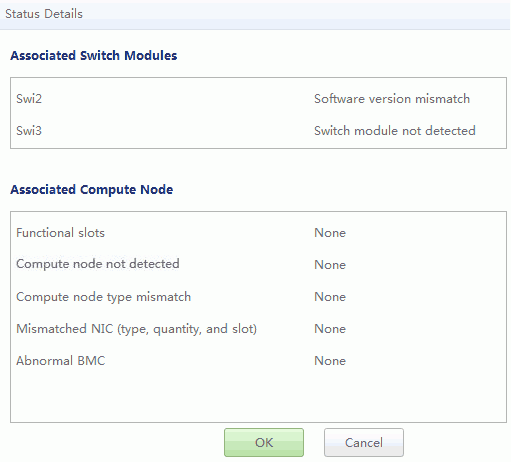

The Status Details page is displayed, as shown in Figure 4.